Built for Shopify
Set up a discount and watch a Shopify store change with it.
Try Discounty’s six campaign types on a demo Shopify store. No account, nothing to install.
Six campaign types. Pick one to try.
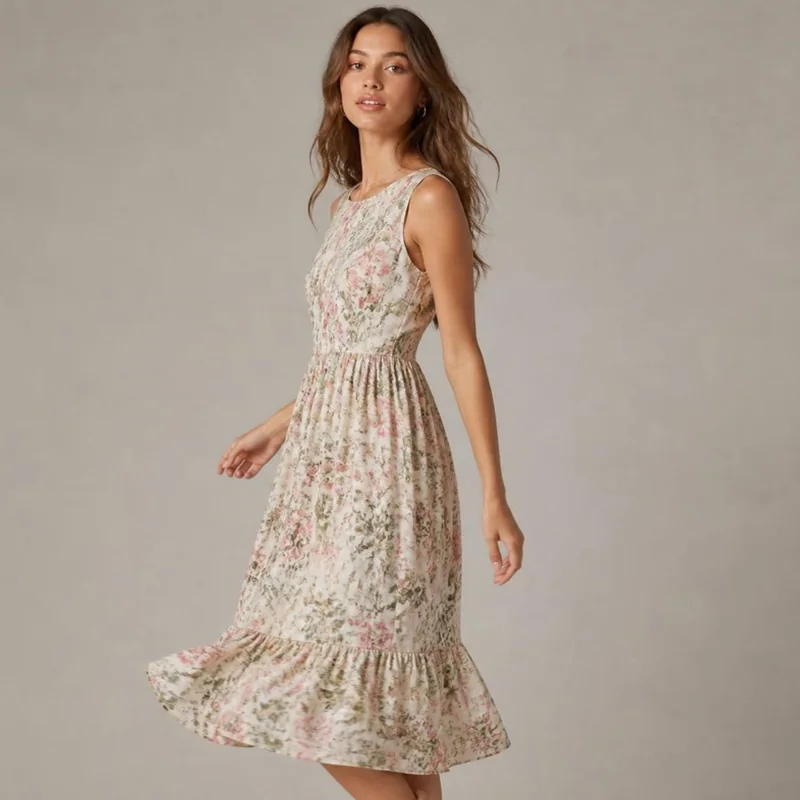 Wildflower Midi DressSale
Bulk price editor
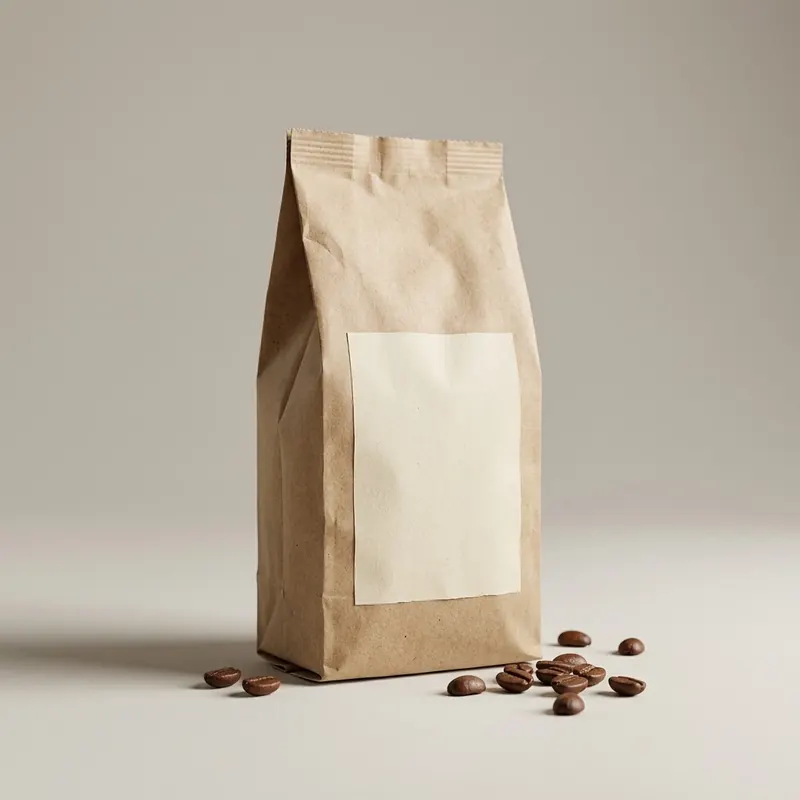 Single-Origin Coffee Beans$18.00
| Buy | Save |
|---|---|
| 2+ | 10% off |
| 3+ | 15% off |
| 5+ | 20% off |
Quantity discount
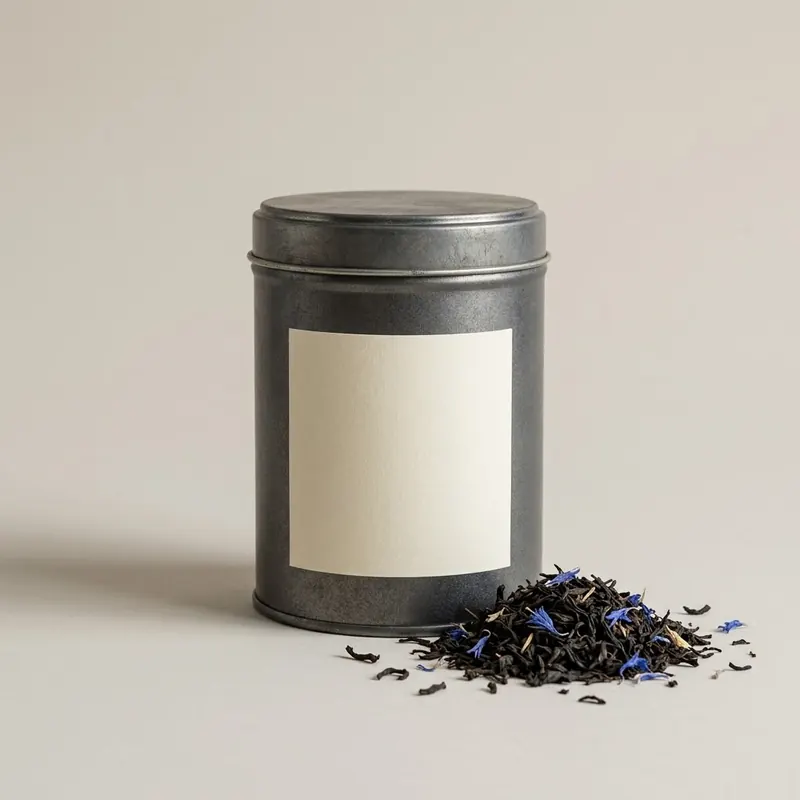 Earl Grey Loose Leaf× 1$14.00Single-Origin Coffee Beans× 1$18.00
Cart goal
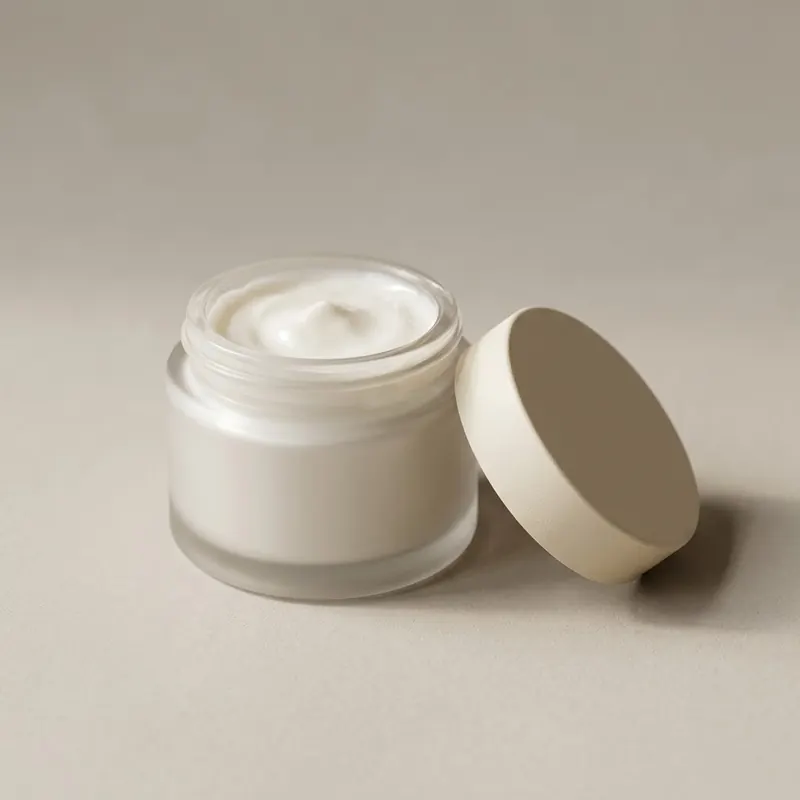 Rich Face Cream× 1
Buy X get Y
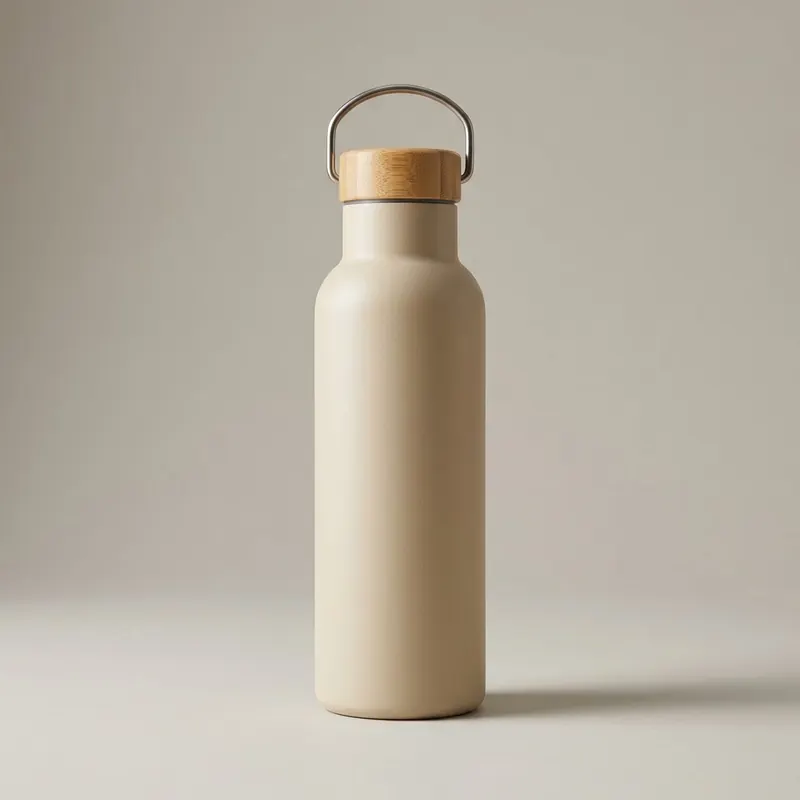
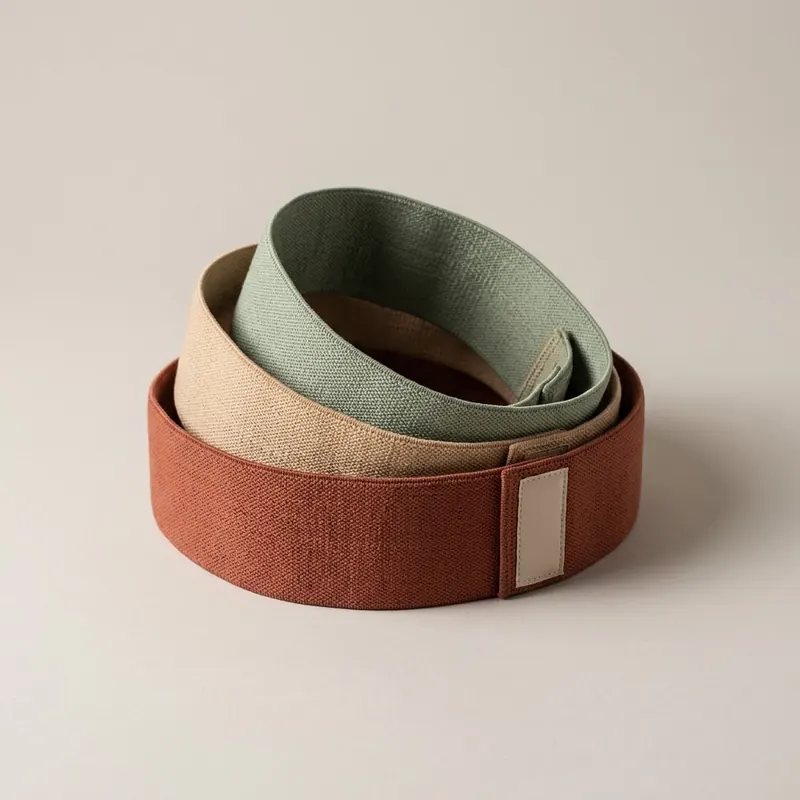 Fabric Resistance Bands, Set of 3× 1$22.00Insulated Water Bottle× 1$28.00
Shipping discount
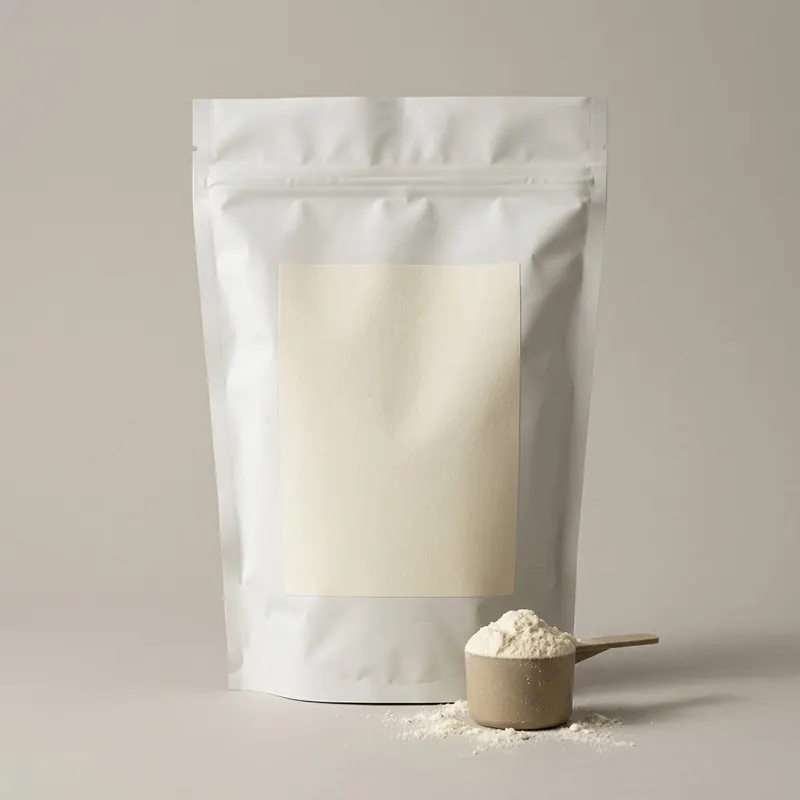 Whey Protein, 1 kg$44.00
Advanced discount code
The questions merchants ask first
Will the discounts look like part of my store?
Discounty’s widgets sit inside your theme through an app embed and take its font. Their colours, text and corners are set in Customization, from the Lite plan. The struck-through price and the Sale badge of a Bulk price editor sale are drawn by your theme itself. With some page builders and themes, such as GemPages, EComposer, PageFly, Horizon and Eurus, the widgets may need placing by hand, which Discounty support helps with.
Do I have to edit my theme code?
No. You switch the app embed on once in the theme editor, and the app’s Home screen tells you whether it is on.
Will the discount show at checkout?
Yes. Bulk price editor changes the product’s own price, so checkout charges the sale price with no code. The other five types are applied by Shopify’s checkout through Shopify Functions and show as discount lines. Quantity discount, Cart goal and Buy X get Y show the label you write, a shipping discount without a code shows its title, and a code shows the code itself.
Will it clash with my other discounts?
Shopify allows one order discount and one shipping discount per checkout. Quantity discount and Cart goal do not combine with each other. A Quantity discount or Cart goal on top of a Bulk price editor sale price needs the Discounty plan. Stacking a Buy X get Y or a code on the same item as another Discounty product discount needs the Discounty plan and Shopify Plus. Each campaign’s combinations card decides the rest.
What happens when a sale ends, or if I uninstall?
Deactivate a Bulk price editor campaign and the prices go back. The compare-at price can stay, so your theme may keep showing its Sale badge until you clear that field. Uninstall without deactivating and the sale prices stay in place, which is why the app has a Safe uninstall screen that reminds you first.
What does the free plan include?
3 campaigns in total, ended ones included, and up to 10 live variants, with Bulk price editor, Quantity discount and Cart goal. Quantity discount and Cart goal get one discount tier each; more tiers come with Essential. Buy X get Y and Shipping discount start on the Lite plan, Advanced discount code on Essential. Paid plans come with a three-day free trial.
Does it work on POS and in AI checkouts?
On Shopify POS, codes and Bulk price editor prices work on POS Lite and POS Pro; automatic discounts and shipping discounts need POS Pro, which is Shopify’s rule. In AI checkouts such as ChatGPT and Gemini the discounts apply, but widgets like the shipping bar are not shown there.
Is this the real app?
No. It is a copy, not a login. The widgets, their default wording and each feature’s plan were read off the live app and a live test store on 30 September 2026, and the store is built on Dawn, a free Shopify theme. Nothing you change here reaches a real store, and nothing is installed.
The free plan is a plan, not a trial.
3 campaigns and up to 10 live variants. No card, no time limit. Install, switch it on, and run the first campaign today.